
Can SharePoint Handle ISO 9001 Document Control?
Yes, if it is set up as a control system rather than storage. What ISO 9001 clause 7.5 asks for, where a plain SharePoint library falls short, and how to close the gaps.
 Aegir Brands · 3 Nov 2026 · 5 min read
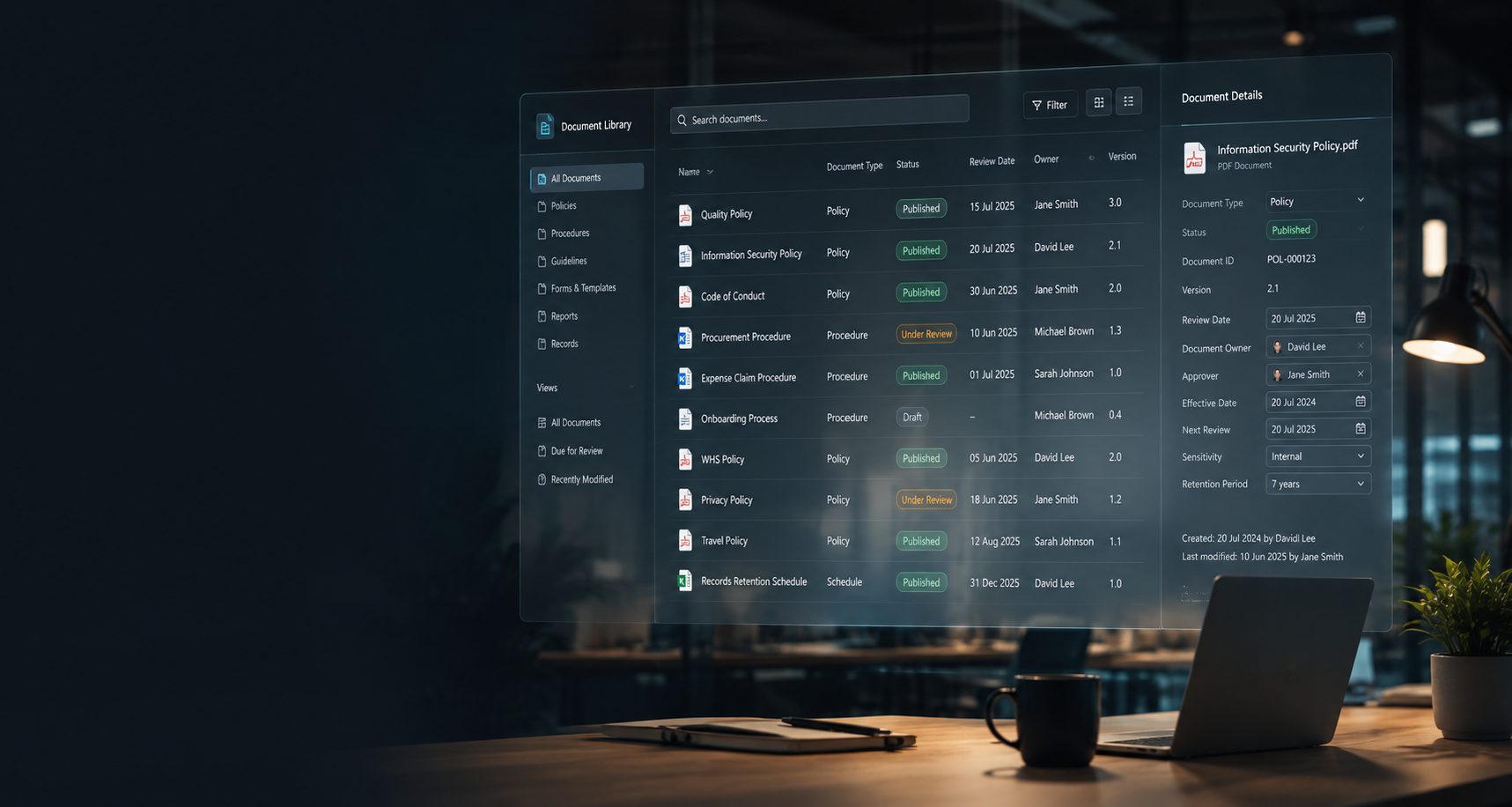
Short answer: yes. SharePoint can run ISO 9001 document control, as long as it is set up as a control system and not just used as storage. ISO 9001 does not require any particular software. It requires that controlled documents are identified, approved before release, available in their current version where they are needed, protected from unintended change, and kept or disposed of in a controlled way. A plain SharePoint library does not do all of that on its own. A properly configured one does, inside the Microsoft 365 you already pay for.
Why SharePoint gets a bad name with auditors
Most document control findings in organisations on SharePoint have the same cause: the quality system lives in an ordinary document library, set up like a shared drive. Anyone with edit access can change a published procedure. Drafts and approved versions sit side by side. Review dates are a column nobody checks. Staff save a copy to their desktop or a Teams chat, and the uncontrolled copy becomes the one people use.
Those are real gaps, and dedicated quality software vendors are right to point them out. But they are gaps in how the library was set up, not limits of the platform. Each one can be closed with structure, permissions and a workflow.
What clause 7.5 asks for, and how to meet it in SharePoint
ISO 9001 covers this under clause 7.5, Documented information. Here is what an auditor will look for, and how a controlled SharePoint setup answers it.
| Requirement | What the auditor checks | How to do it in SharePoint |
|---|---|---|
| Identification and description | Every document has a title, a unique number, an owner, a version and a date | Required metadata columns and automatic numbering, so no document is saved without them |
| Review and approval before release | Nothing reaches staff without the right person signing it off | An approval workflow with named authorisers per document type or department, recorded in the version history |
| Current version available where needed | Staff can find the approved version quickly, and only that version | A separate published library that staff can read but not edit, with drafts kept in a working area |
| Protection from unintended change | Published documents can’t be quietly edited | Edit rights only in the draft area; publishing creates a read-only copy, often a PDF |
| Control of changes | You can show what changed, when, why and who approved it | Version history with a mandatory change summary, and approval details captured on each release |
| No use of obsolete documents | Superseded versions are withdrawn or clearly marked | Superseded versions removed from the published library automatically and kept in an archive |
| Retention and disposition | Records are kept for the right period, then disposed of on purpose | Retention labels or an archive with retention rules, applied by document type |
| Documents of external origin | Standards, legislation and supplier manuals are identified and kept current | A register of external documents with source, version and a review date |
| Records as evidence | Evidence of conformity can’t be altered | Records locked once complete, using record labels or read-only permissions |
None of this needs custom code. It is SharePoint libraries, permissions and Power Automate, set up deliberately.
The four things a plain library won’t do for you
- Separate drafts from published documents. One library for everything is the most common audit problem. Keep a working area for authors and a read-only published library for everyone else.
- Enforce approval. Version history shows what changed, but not that the right person approved it. That needs a workflow.
- Make reviews happen. A review date column is only useful if something acts on it. Reminders and a dashboard of what is due and overdue turn it into a control.
- Prove people have read it. For key policies and procedures, auditors may ask how you know staff are aware of changes. A read-and-acknowledge step gives you that evidence.
Does ISO 9001:2026 change any of this?
Not much. ISO 9001:2026 was published on 16 September 2026. The documented information wording has changed: “maintain documented information” becomes documented information that is “available”, and “retain” becomes documented information “available as evidence”. The control requirements themselves still apply.
Certified organisations have a three-year transition, with 2015 certificates expected to remain valid until September 2029. Confirm the dates with your certification body. If you are reviewing your quality system for the transition anyway, it is a good time to fix document control at the same time.
Build it yourself or start from a ready-made system?
You can configure all of this in SharePoint yourself. Most organisations of 50 to 150 staff find the hard part isn’t the libraries, it’s the workflow, numbering, review reminders and the dashboard, and keeping them working.
Applecart DMS is our ready-made document management system for exactly this. It runs in your own Microsoft 365, built on SharePoint, Power Apps and Power Automate:
- A three-stage lifecycle: Edit, Authorise, Publish, with a named content owner, authoriser and document controller.
- One trusted library: staff only see approved, current documents.
- Automatic numbering from your own naming rules, and Word templates that fill in the number, version, owner and review date.
- Review dates that act: documents go back to Edit when they are due, with reminders and a compliance dashboard.
- Read and acknowledge: staff confirm they have read key documents, with an export for your auditor.
- A full audit trail of who changed, approved and published what, and when.
One honest note: Applecart DMS handles document control. If you also need corrective actions, internal audits and supplier management in one product, a dedicated quality management system may suit you better. Many organisations run those processes in Power Apps alongside the DMS instead.
Common questions
Does ISO 9001 require document control software?
No. ISO 9001 does not prescribe any tool. It sets out what must be controlled, and you choose how. Paper, SharePoint and dedicated software can all pass an audit if the controls work.
Is SharePoint “ISO 9001 certified”?
No software is certified to ISO 9001. Organisations are certified. What matters is whether your setup meets clause 7.5 and whether you can show the evidence when asked.
Do we need extra licences?
Usually not. SharePoint, Power Automate and Power Apps built on SharePoint data are included in most Microsoft 365 business plans. Advanced retention and records features can depend on your plan, so check before relying on them.
Getting your document control audit-ready
Applecart Digital sets up SharePoint document management for growing organisations across Brisbane, Queensland and Australia, working alongside your IT team. Try the Applecart DMS demo, or talk to us about your quality system.
Founder and Director of Applecart Digital. More than 20 years in digital, helping growing organisations get more from Microsoft 365.